



 Github Stars:
 Last Commit:
  Created:
Overview
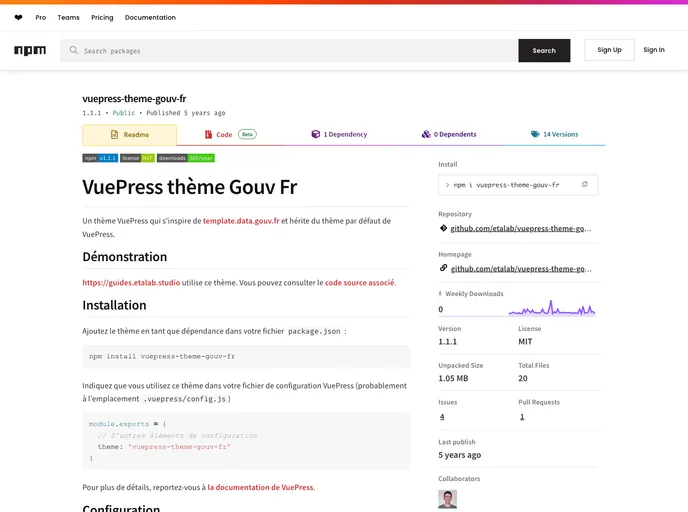
The npm package “VuePress thème Gouv Fr” is a theme for VuePress that is inspired by “template.data.gouv.fr” and inherits the default VuePress theme. It allows users to create documentation websites with a similar design and structure to template.data.gouv.fr. The theme is used by the website “https://guides.etalab.studio” and the associated source code can be accessed for reference.
Features
- Inspired by “template.data.gouv.fr”: The theme is designed to resemble the design and structure of template.data.gouv.fr.
- Inherits default VuePress theme: The theme builds upon the default theme provided by VuePress.
- Customizable section titles: Users can display section titles when navigating through different folders in their documentation.
- Available components: The theme provides several independent components that can be used optionally by users.
- Automatic menu generation: Users have the option to automatically generate menus based on the folders and Markdown files in their directory.
- CurrentGroupToc: This feature allows users to display only the elements from the current group in the navigation bar when using multiple groups in their documentation.
- Compatible with VuePress 0.x and 1.x: The theme supports both versions 0 and 1 of VuePress.
- Licensed under MIT: The theme is released under the MIT license.
Installation
To use the “VuePress thème Gouv Fr” theme, follow these steps:
- Add the theme as a dependency in your
package.jsonfile. - Indicate that you are using the theme in your VuePress configuration file (usually located at
.vuepress/config.js). For detailed instructions, refer to the VuePress documentation.
Summary
The “VuePress thème Gouv Fr” is a theme for VuePress that provides a design and structure inspired by “template.data.gouv.fr”. It offers various features such as customizable section titles, independent components, automatic menu generation, and compatibility with both versions 0 and 1 of VuePress. The theme can be easily installed by adding it as a dependency and configuring it in the VuePress configuration file.