

 Github Stars:
 Last Commit:
  Created:

Overview
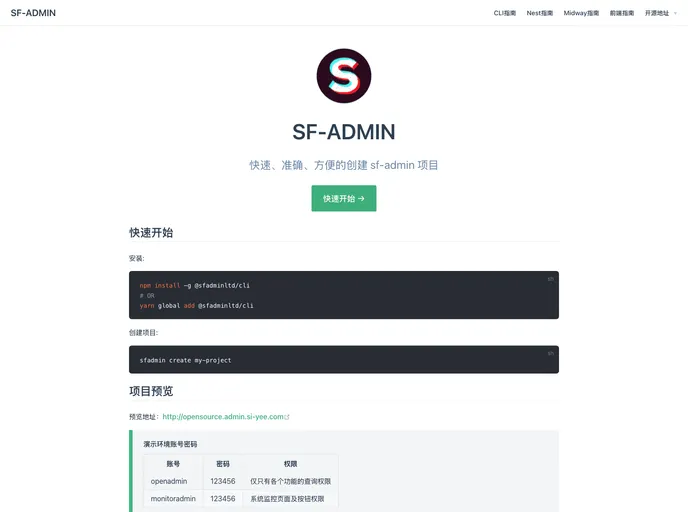
SF-ADMIN-CLINPM is a tool that allows you to quickly create SF-ADMIN series projects. It provides documentation for creating projects and includes links to the project’s backend and frontend addresses. The tool is licensed under MIT.
Features
- Version management: Keep track of the SF-ADMIN-CLINPM version and download the latest version.
- Lerna integration: Use Lerna, a tool for managing JavaScript projects with multiple packages, to help create SF-ADMIN series projects.
- Backend and frontend addresses: Access the backend and frontend addresses of the SF-ADMIN projects.
Installation
To install SF-ADMIN-CLINPM, follow these steps:
- Download the latest version of SF-ADMIN-CLINPM using the provided link or by visiting the project’s documentation page.
- Install the tool using npm by running the following command in your terminal:
npm install sf-admin-clinpm
- Once the installation is complete, you can start using SF-ADMIN-CLINPM to create your SF-ADMIN projects.
Summary
SF-ADMIN-CLINPM is a helpful tool for quickly creating SF-ADMIN series projects. With features like version management, Lerna integration, and easy access to backend and frontend addresses, it simplifies the project creation process. Follow the installation guide to get started with SF-ADMIN-CLINPM.